Spotlight sponsors
Profiles, booths, and lead capture.
Explore sponsor toolsAgenda, QR check-in, live sessions, and networking for in-person, virtual, and hybrid conferences.
Works in your browser. No download needed.
Flat-rate plans. No per-attendee fees. Paid tickets: 3% plus Stripe fees.
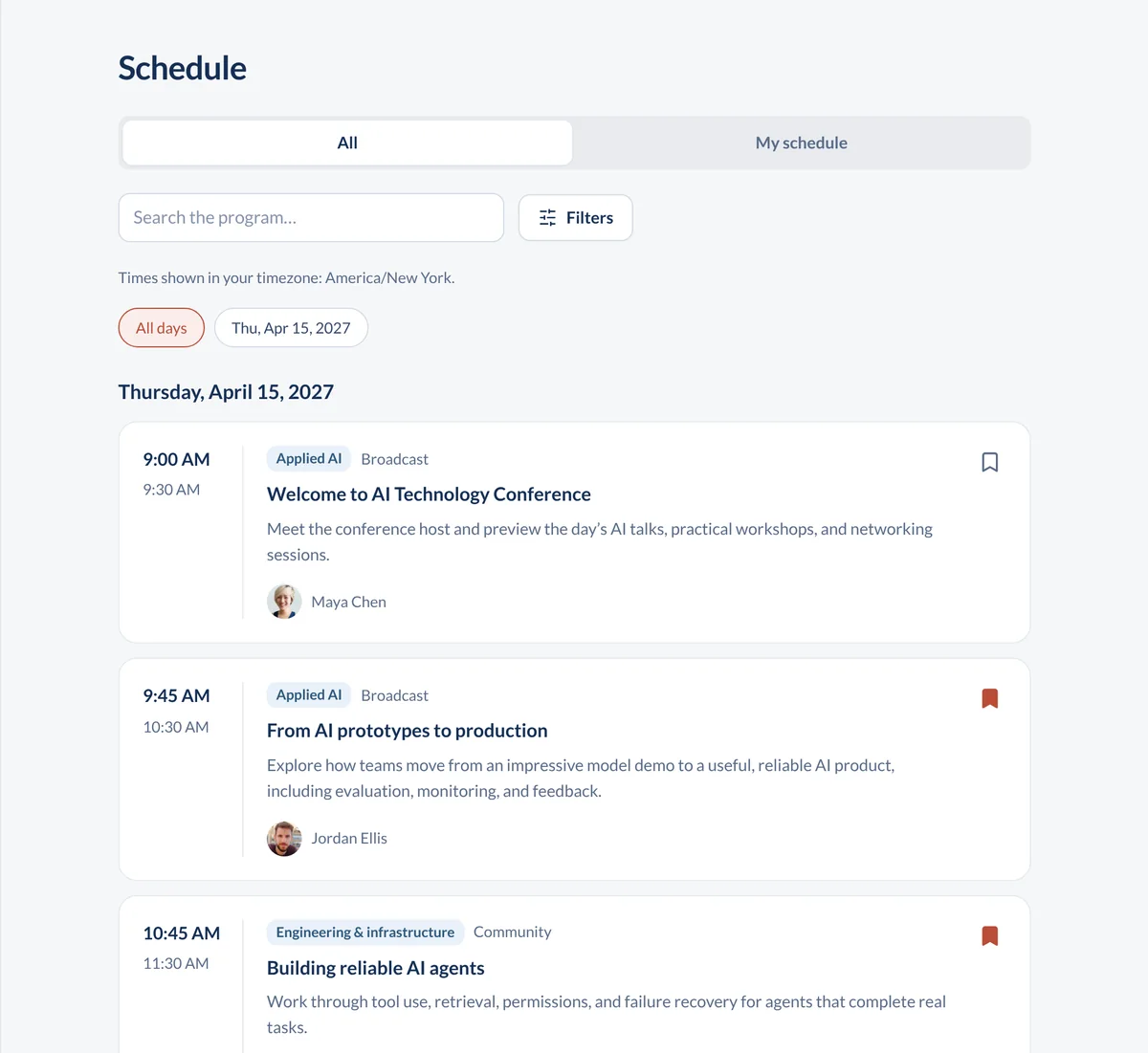


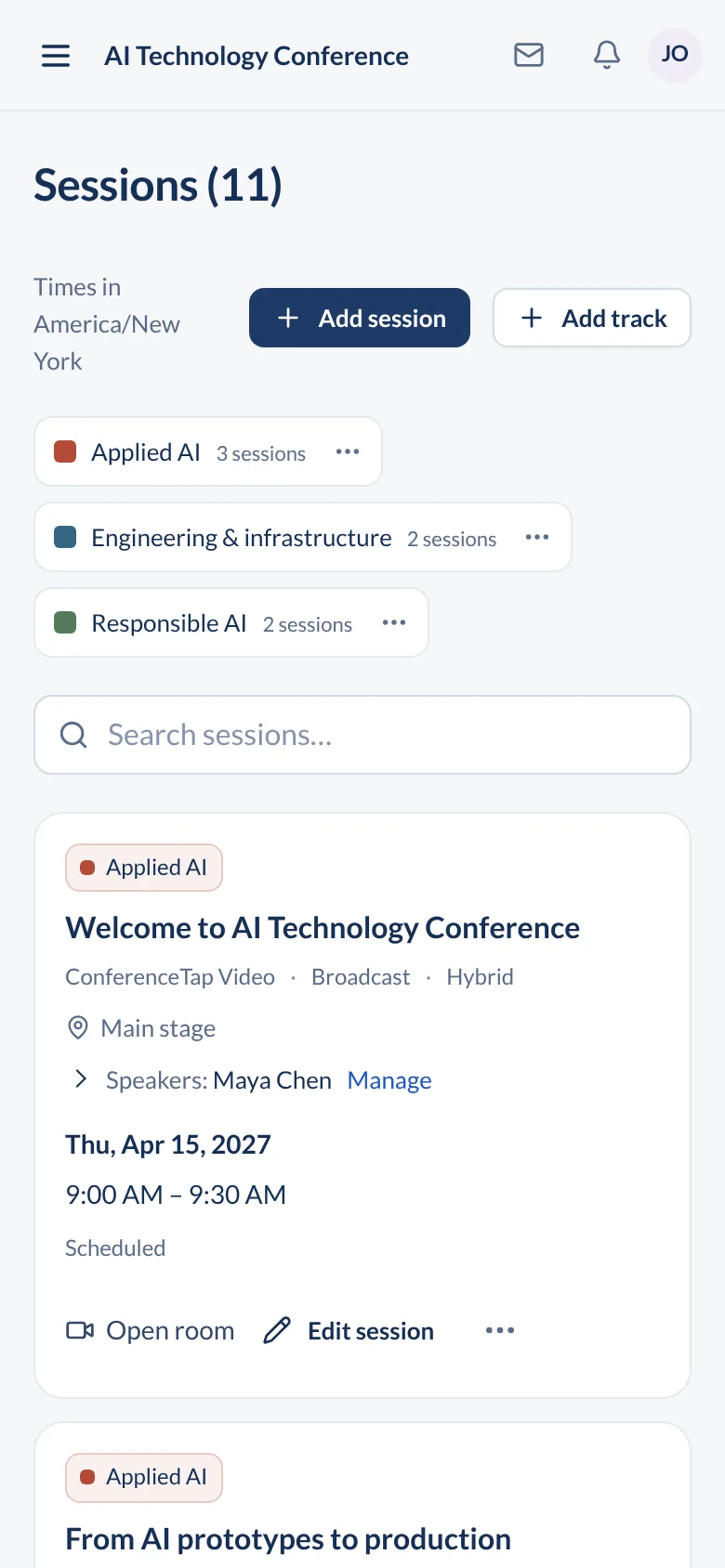
Open a real event agenda
Personal agendas, messaging, and 1:1 networking.
Explore the attendee app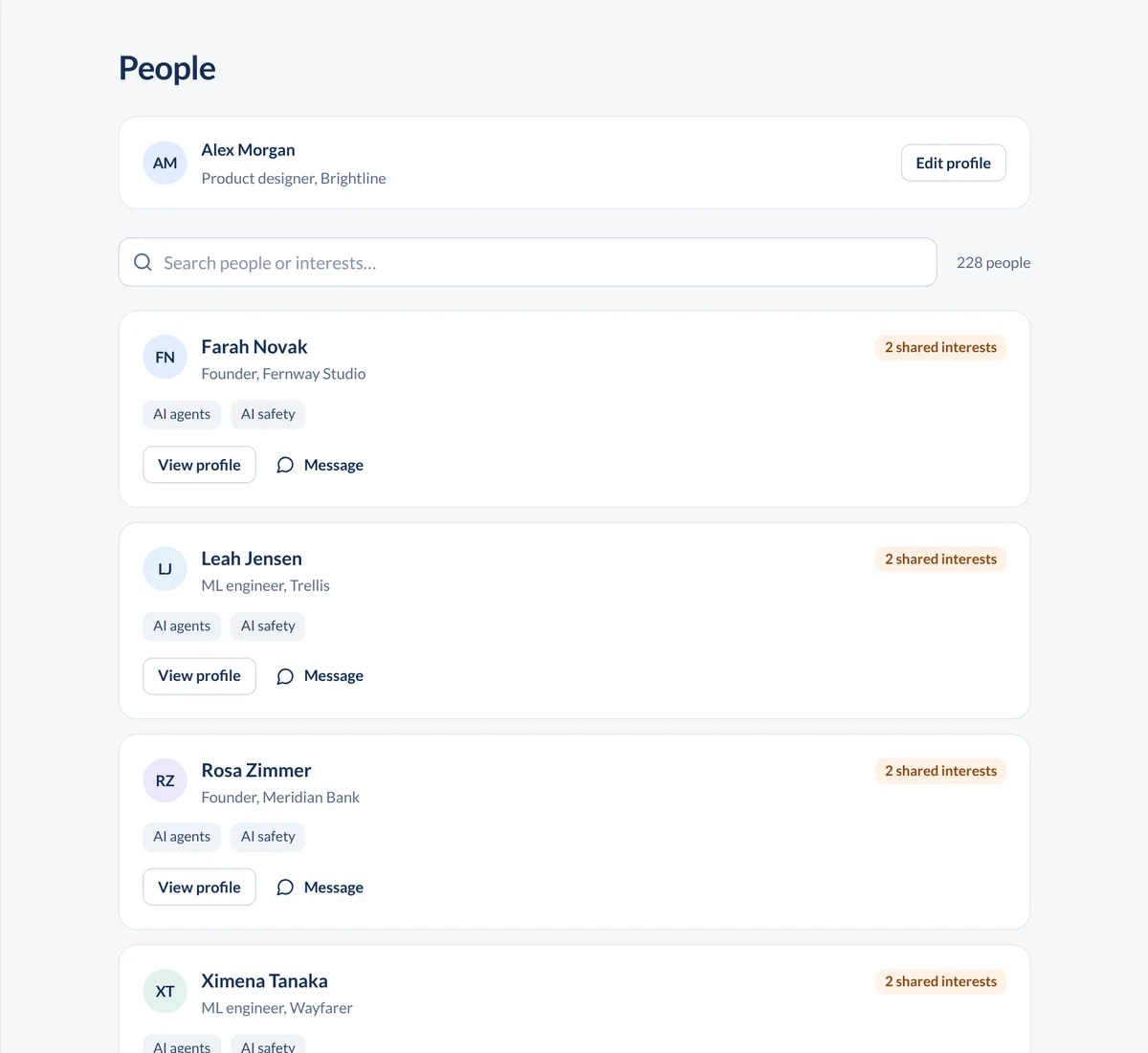
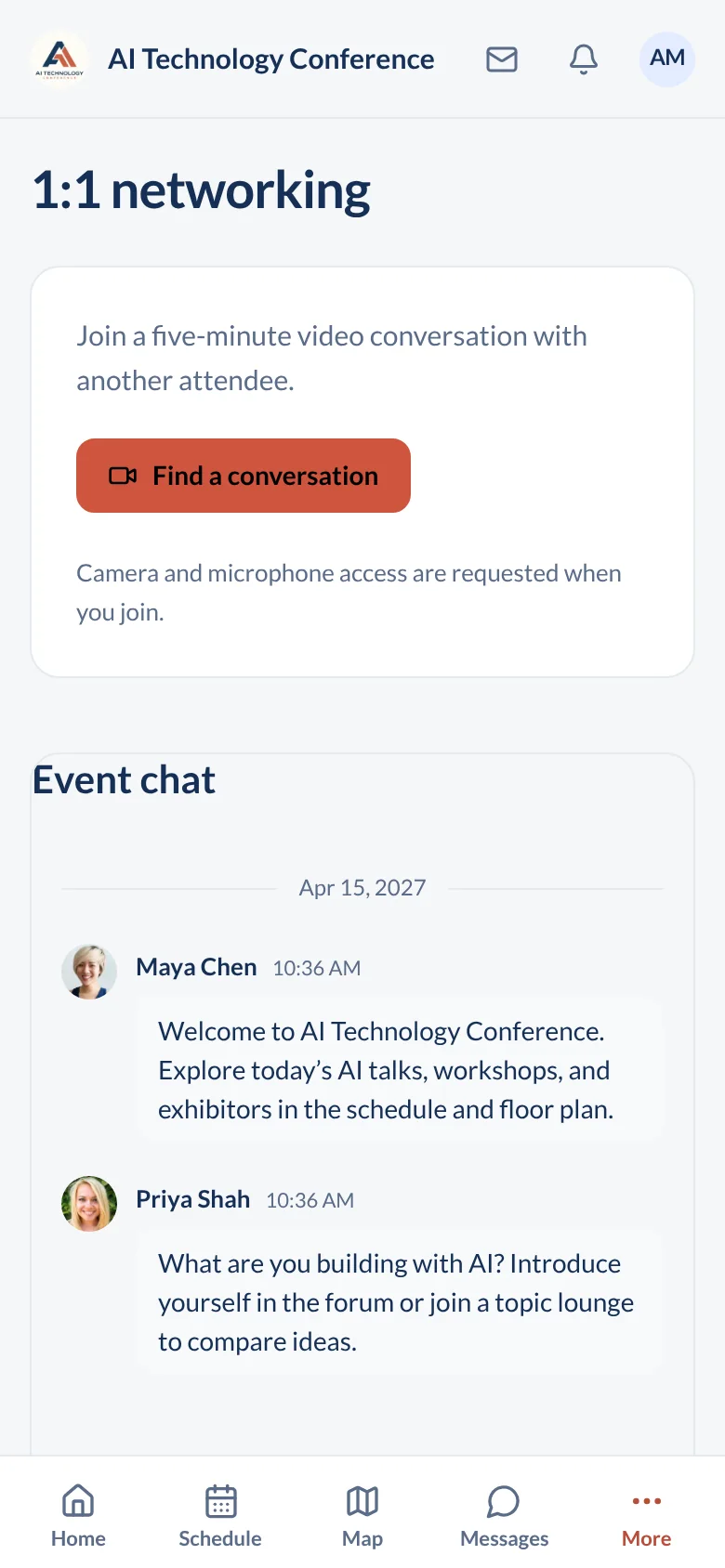
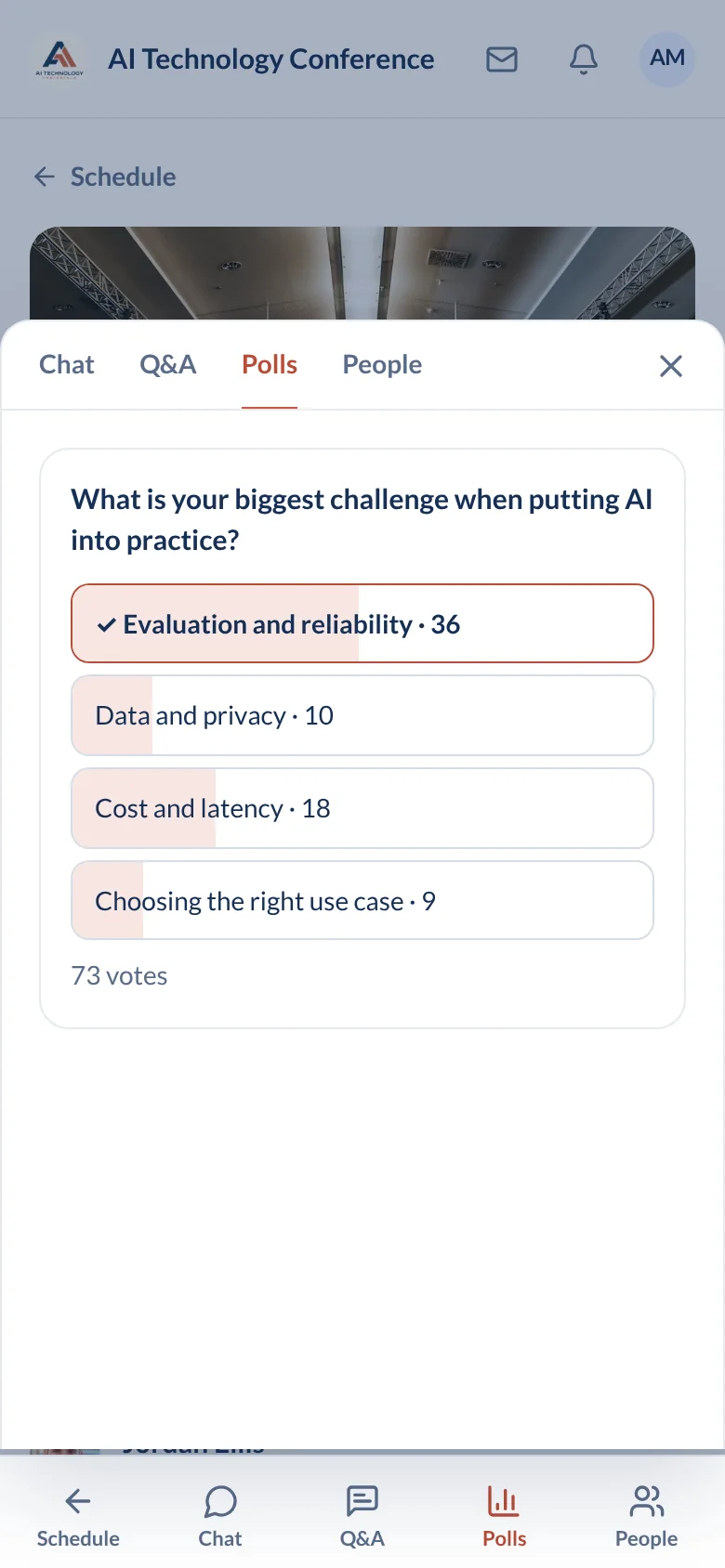
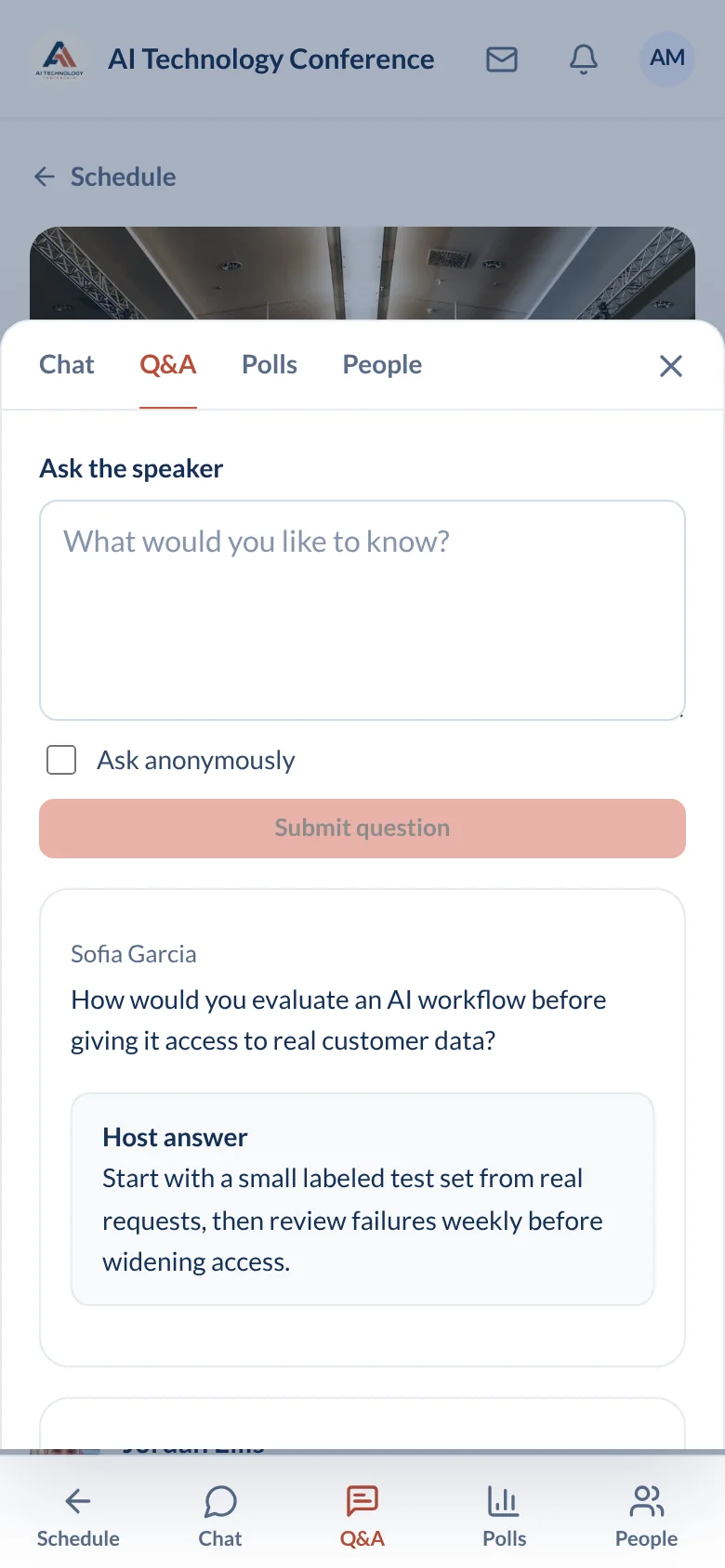
Live video, chat, Q&A, polls, and recordings. All inside your event app.
Explore live sessions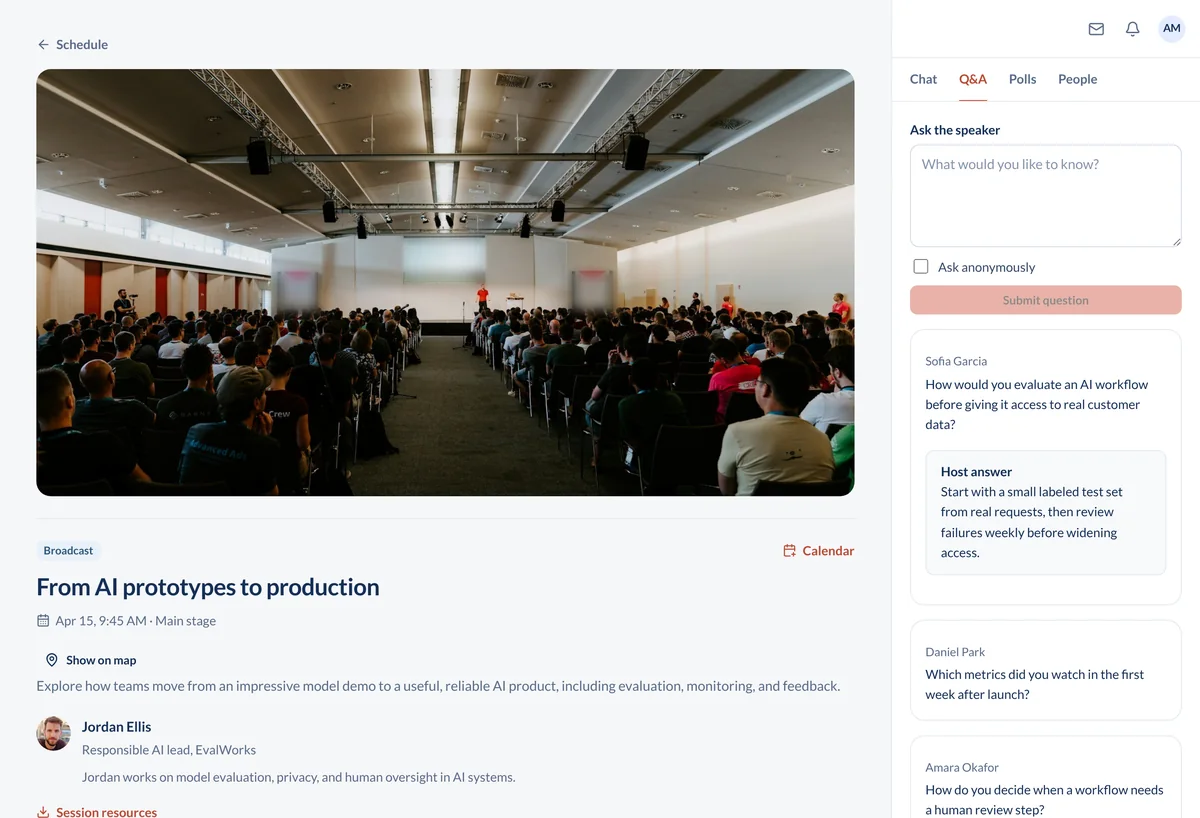
Built for associations, universities, companies, and nonprofits.
Profiles, booths, and lead capture.
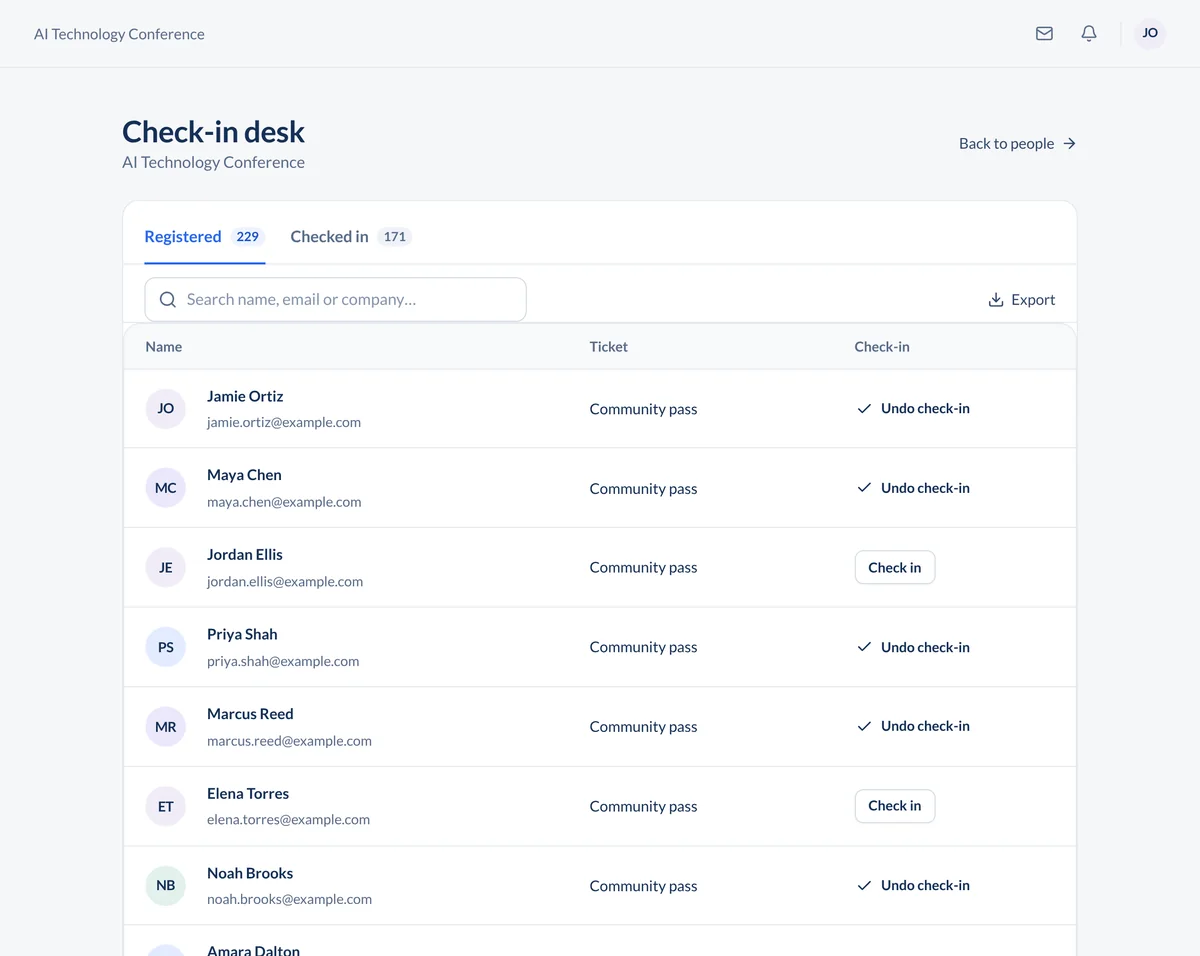
Explore sponsor toolsFree and paid registration.
Explore ticketingSend registrations to your other tools.
Explore integrationsFor your next conference.
For your event calendar.
No download needed. Open the event in your browser. Attendees create a free account.
Paid ticket sales incur 3% plus Stripe processing fees. Free tickets are free to issue.
Yes. Book a demo and we will build a sample of your event with you, so you can try the attendee app and organizer tools before you decide.
Yes. In-person events get the agenda with room locations, uploaded floor plans, QR code check-in from a phone or tablet, attendee messaging, and announcements. Live video is there if you want an overflow room or a remote speaker, and stays out of the way if you don't.
No. Sessions stream inside the app with chat, Q&A, polls, breakout rooms, moderators, and recordings. A single virtual or hybrid session can hold up to 15,000 attendees.
Yes. Import your attendee list from a CSV or another registration tool, or use ConferenceTap's own registration page with free and paid tickets. Zapier connects registrations to your CRM, email platform, or spreadsheet either way.
Yes. Mention your organization when you request pricing and we will quote a nonprofit rate.
Seth Kramer, the founder. Demo requests go to his inbox, and his email is on every page of this site. Both plans include a designated customer success manager and 1:1 onboarding and training. We are a small company with one product, and we would rather tell you that than pretend to be a department. About ConferenceTap.