Got it. Seth will be in touch.
Your demo request is in Seth Kramer's inbox, not a queue. He replies personally, usually within one business day, with a couple of times for a live walkthrough and any questions about your event.
What happens next
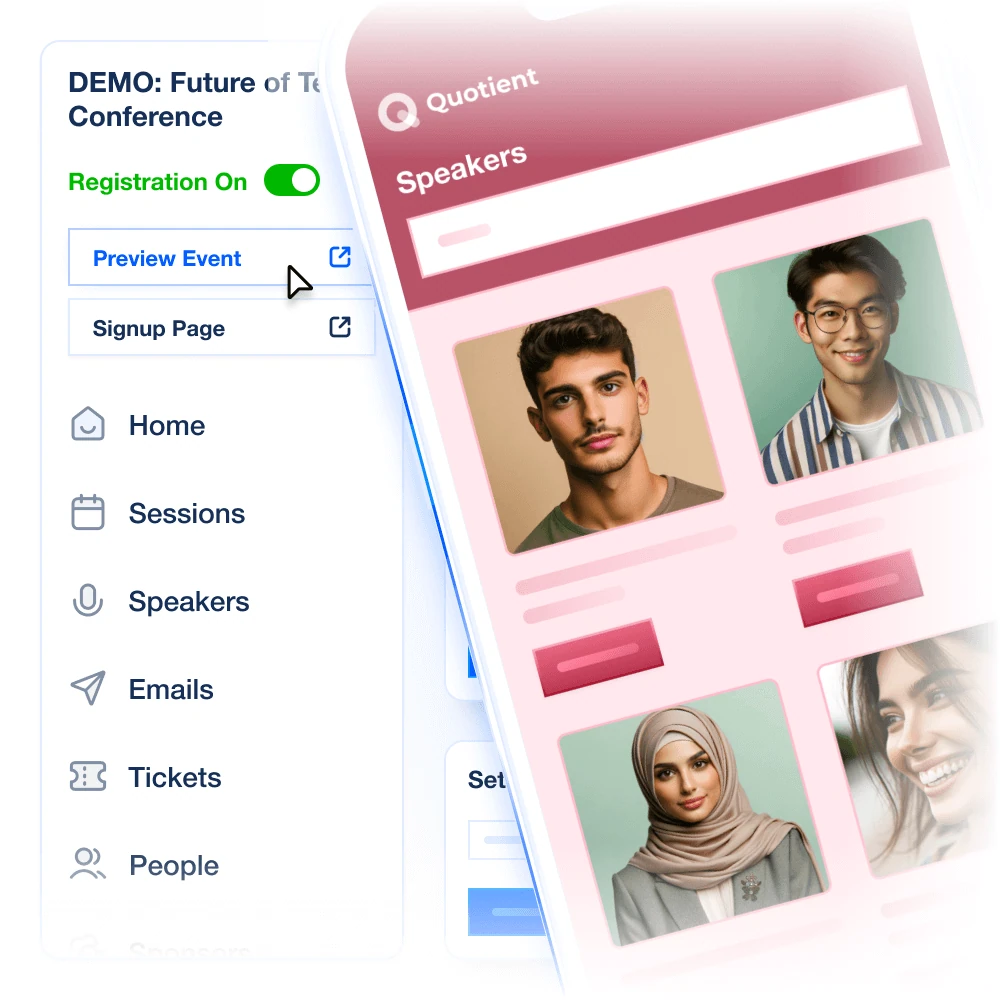
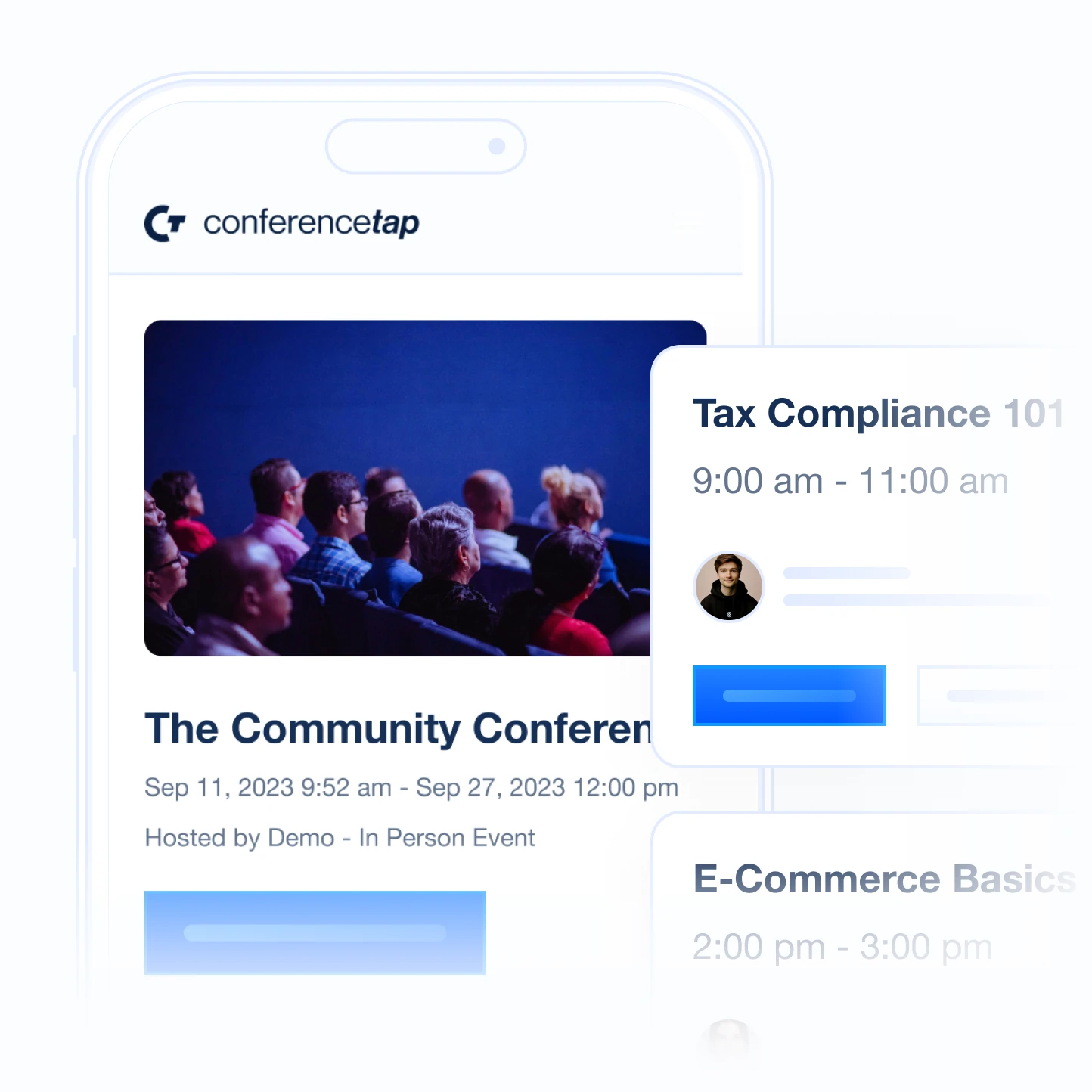
The demo is a live event in the organizer portal, not a slide deck. Before the call, Seth will set up a sample event so you can see the attendee view on your own phone and the organizer view on his screen at the same time. You leave with a flat-rate quote for your event or your calendar.
1. A reply from Seth. Usually within one business day. If you have not heard back in two, email seth@conferencetap.com directly; something went astray.
2. A 30-minute walkthrough. Attendee app first, then the organizer portal, then your questions. Bring your committee if they will be editing the schedule.
3. A number by email. One Event or Unlimited Events, flat, with the ticketing fee spelled out. No sales sequence.
Bring these to the demo and we will load them
- Two or three real sessions from your last event, with rooms and times, so you can watch a room change reach an attendee's phone
- One speaker bio and one sponsor, so you can see profiles and a booth
- Your ticket types and prices, if you sell tickets, so the fee arithmetic uses your numbers
- The thing that went wrong last time. Check-in queue, a speaker who cancelled, a stream that dropped. We will show you what happens here.
While you wait
Three things worth ten minutes each.
The demo checklist we would use. A test to run for every feature, so the demo answers your questions rather than ours.
What a conference app costs in 2026. Published and reported prices for the platforms you are probably also looking at, with sources and dates.
The knowledge base. Every organizer feature written up, so you can check what the product does before anyone tells you.