A Whova alternative for your next conference
Comparing conference apps? ConferenceTap gives you registration, the agenda, networking, and live sessions at one flat quoted price. Attendees open it in their browser, with nothing to install.
Built for conferences like yours




Open a real event agenda
Start with your attendees and your budget
Think through the jobs you'll need the app to do: register attendees, show the right rooms and times, and help people meet. Have a committee member try the organizer view too.
Whova offers iOS and Android apps, a web portal, registration, networking, and tools for speakers and exhibitors. If your team wants a native app or is also evaluating abstract-management tools, include those requirements in your Whova demo.
ConferenceTap is built around browser access and a flat price per event or year. Both plans include unlimited registrations and organizer logins, your branding, QR check-in, live sessions, and 1:1 onboarding. You work directly with Seth Kramer, the founder.
For attendees: ConferenceTap opens on a phone or laptop in the browser. Attendees create a free account. Whova also has a web portal, so compare the actual joining steps for your event format.
For your budget: ask for the platform charge, ticket fees, and any extra services separately. A lower headline quote doesn't tell you the full cost.

ConferenceTap vs Whova
Here's what we can establish from the published information. Ask both teams to confirm the details for your event.
Scroll sideways to see all columns
| What to compare | ConferenceTap | Whova |
|---|---|---|
| Platform price | One flat quote for One Event, or Unlimited Events for a year. No per-attendee platform fee. | Event-specific quote. Its FAQ says size and service options affect the price. |
| Attendee access | Browser-based on phones and laptops. A free attendee account is required. | iOS and Android apps plus a web portal. Check the account-creation steps for your event format. |
| Registrations and organizers | Unlimited registrations and organizer logins on both plans. | Confirm the attendance allowance and organizer logins in your quote. |
| Branding | Your logo, colors, and event banner, with our logo removed. | Ask to see the attendee app, registration page, and emails with your branding. |
| Setup | 1:1 onboarding and training with a designated customer success manager. | Its pricing page offers a demo and trial. Confirm the onboarding included in your proposal. |
| Paid tickets | 3% plus Stripe processing fees. No ticketing fee on free tickets. The platform plan is separate. | Request the current registration and payment-processing fee schedule with your quote. |
| Several events | Unlimited Events covers your event calendar for a year. | Its FAQ offers multi-event packages when events are committed together. |
| Agenda and participation | Agenda, attendee messaging, 1:1 networking, live sessions, Q&A, and polls. | Its attendee guide describes agendas, messaging, networking, session Q&A, and polls. |
Sources: Whova's pricing page, pricing FAQ, multi-event FAQ, attendee guide, and login instructions. ConferenceTap terms are on our pricing page.
How much does Whova cost compared with ConferenceTap?
You'll need two quotes to answer that. Whova doesn't publish a standard app price, and we quote ConferenceTap for your event or calendar. We won't tell you we're cheaper without comparing the same requirements.
Send both teams your event dates, expected attendance, number of events, streaming needs, and the registration system you want to use. Ask for the full cost, including ticketing and payment processing.
For a $200 ticket sold through ConferenceTap, our 3% fee is $6. Stripe's standard US domestic-card rate of 2.9% + $0.30 adds $6.10. If you absorb both fees, that leaves $187.90 before the separate platform charge. Different cards, countries, or processing agreements can change the total.
For Whova, use the current fee schedule in your proposal. Its FAQ links to a registration-fee article dated 2018; confirm today's terms before using that example in your budget.
Work through a 400-ticket cost example or download the quote comparison worksheet (CSV). Stripe rate source.
Try the tasks you'll need on event day
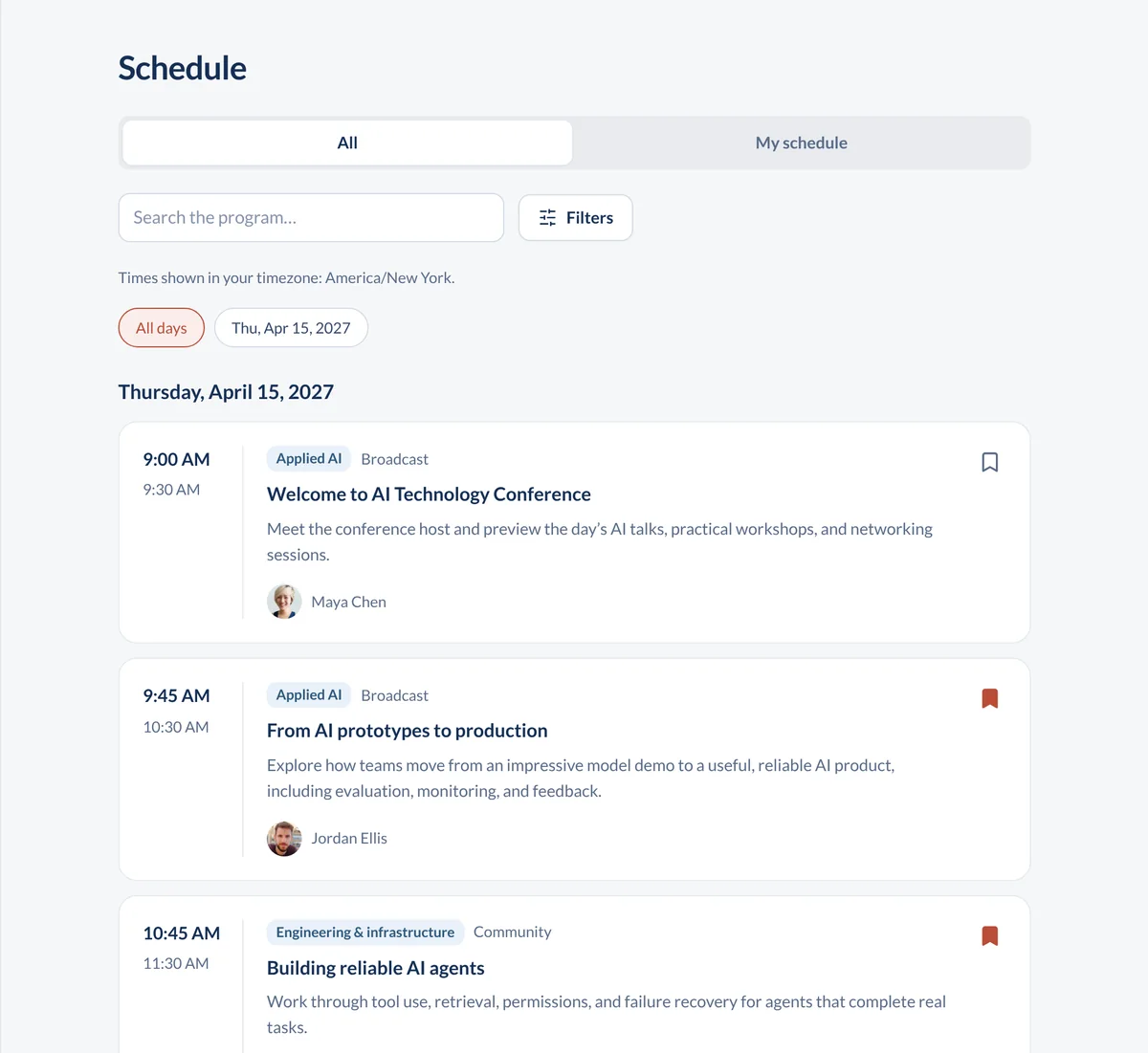
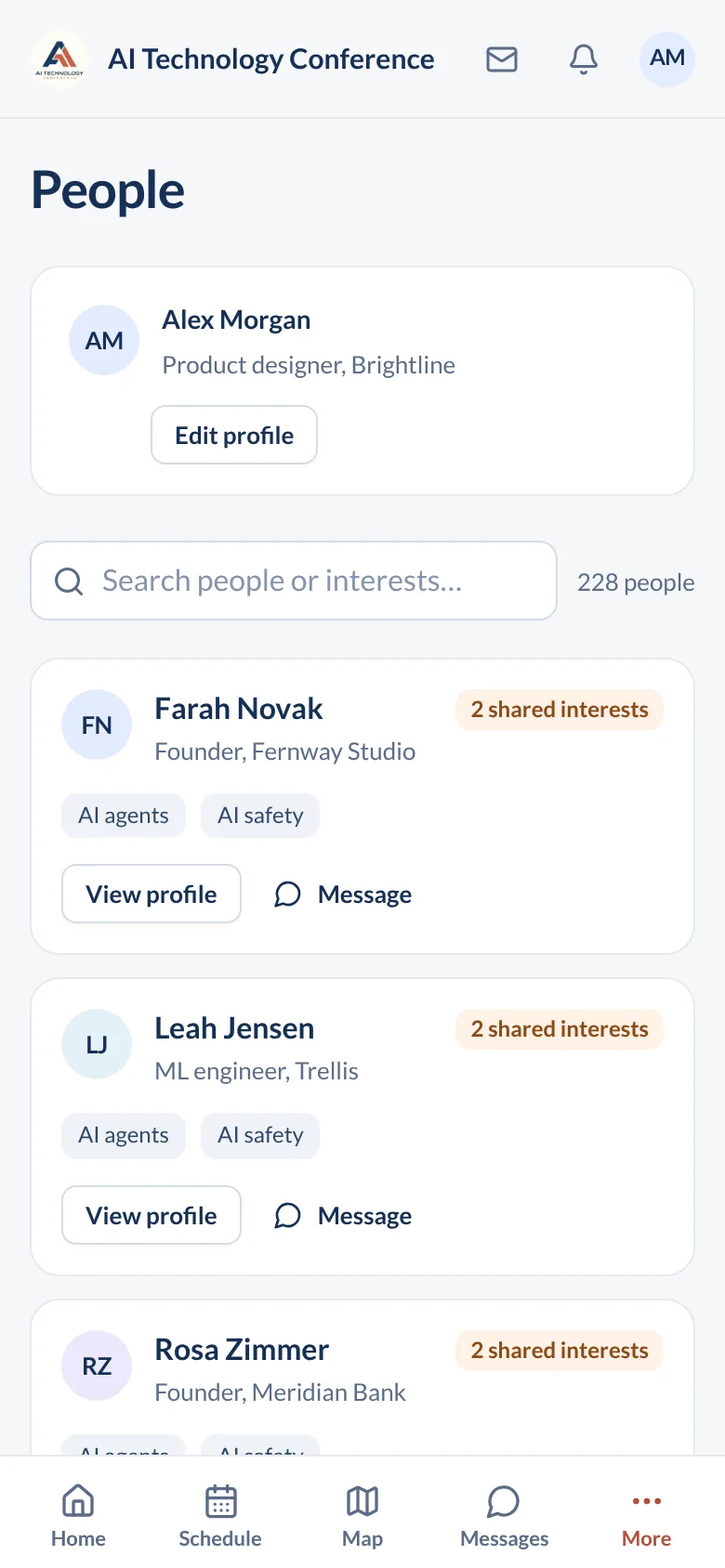
Bring a few sessions from your agenda. While one person edits the organizer view, have someone else open the attendee view on their phone.
- Move a session to another room and find the change as an attendee.
- Open a fresh invitation and create an attendee account.
- Find a speaker, save a session, and message another attendee.
- Check in a guest and look up the registration in the organizer portal.
Use the same tasks in your Whova demo. Our conference app checklist has more examples.
Try your agenda in a demoSwitching from Whova?
Agree on the data you need to bring over before setting a launch date. An attendee list, session schedule, and sponsor information may need different preparation.
- List the registration or membership tools you want to keep.
- Test an attendee CSV import with sample records and check the field mapping.
- Agree who will load and check the agenda, speaker details, and sponsor pages.
- Rehearse the invitation and check-in process before emailing attendees.
Bring a sample export to your demo. We'll work through what your event needs and agree on the setup responsibilities.
Questions about the comparison
Is ConferenceTap cheaper than Whova?
Compare written quotes for the same event. ConferenceTap charges a flat price for One Event or Unlimited Events, with unlimited registrations and organizers. Paid tickets carry 3% plus Stripe processing fees. Whova's price depends on event size and service options, according to its FAQ.
Does Whova work in a browser?
Yes. Whova has a web portal as well as iOS and Android apps. Its support instructions say first-time in-person attendees create an account in the mobile app; hybrid and virtual attendees can create one through either route. Check the flow for your event. ConferenceTap attendees create their account and access the event in the browser.
Can I use ConferenceTap for several events?
Yes. Unlimited Events covers an event calendar for a year, with unlimited registrations and organizer logins. Whova also offers multi-event packages. Compare which events, dates, and services each quote covers.
Can I see it with my own event first?
Yes. Book a demo and bring your agenda and questions. We'll build a sample of your event with you so you can try the attendee and organizer views.