A conference app for in-person events
The agenda, room locations, floor plan, and QR check-in on every attendee's phone. You change a room in the organizer portal and the whole venue sees it. No printed booklet to reprint.
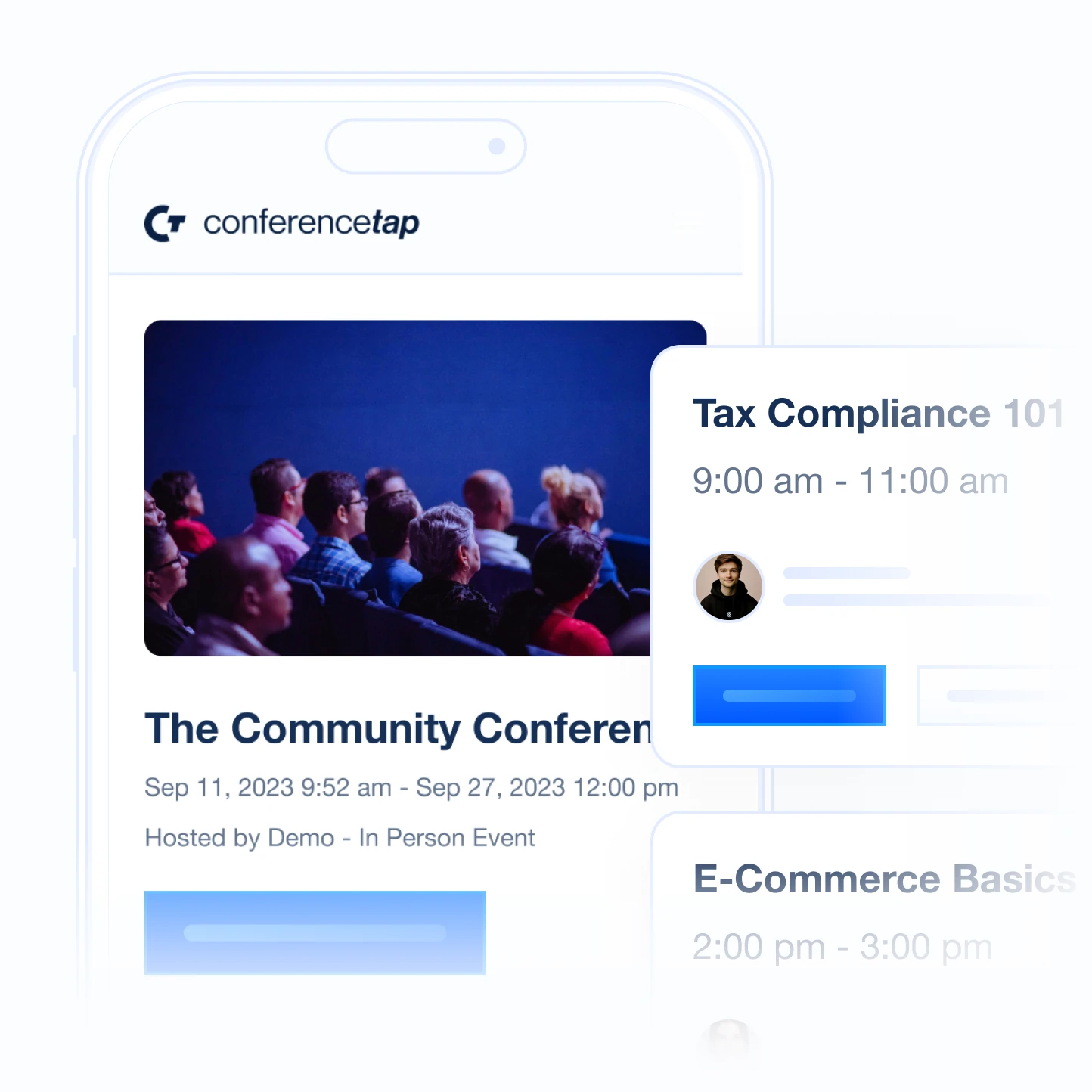
How the day runs
This is what you actually do with the app, from the week before to the day after.
The week before. You build the agenda in the organizer portal at app.conferencetap.com: tracks, times, speakers, and a room for every session. You upload the floor plan. You schedule an email to registered attendees that says open the event, find your sessions, bookmark them. Sponsors and expo booths get their own pages so they stop asking where their logo is.
The morning of. Two volunteers stand at the door with their own phones. An attendee holds up the QR code from their registration, a volunteer scans it, and that person is checked in. No rented scanners and no laptop tethered to a printer. If the line grows, hand a third volunteer a tablet.
When a session changes. The 2 pm panel moves to Room B. You change the room in the portal and every attendee who bookmarked that panel sees Room B in their personal schedule. Then you post an event-wide announcement, so the people who never bookmarked it hear too. Nobody sits in an empty Room A.
During the day. Attendees message each other directly, post in the community forum, and read the event-wide chat. Booth staff capture leads from the people who stop by.
After. Export the analytics: who registered, who checked in, which sessions drew bookmarks. Attendees can still connect with each other after the event closes, so the person they met at lunch does not vanish with the lanyard.
The hard part of in-person: the door and the room changes
Two things go wrong at nearly every in-person conference. The check-in line backs up at 8:45. And a room change reaches half the audience, because it was announced from a stage the other half had already left.
For the door, check-in is a QR scan from any phone or tablet. Each volunteer scans on their own device. Adding a lane costs you a volunteer, not a hardware rental. Free and paid tickets both work; paid tickets run through Stripe with a 3.5% ticketing fee plus Stripe processing fees.
For room changes, the agenda is the one source of truth. Change the room once in the portal and the session, its room location, and every bookmarked copy of it update together. Pair it with an announcement and a pinned message in the event chat.
Two practical notes: scanning needs a connection, so bring a hotspot, and we do not rent hardware or staff your door. Plan a cellular hotspot at the check-in table if the venue Wi-Fi is a question mark.
Explore organizer tools
Questions organizers ask about in-person events
Do attendees need an account or a download?
They need an account, not a download. ConferenceTap is a web app. Attendees open the event in the browser on their phone or laptop; there is nothing to install and no app store. Attendees create a free account when they register. That account is where their personal agenda, bookmarks, messages, and QR code for check-in live, and it is why a room change reaches the right person. Bring your registration flow to the demo and we will walk through exactly what an attendee sees on the first tap.
Can we import our attendee list?
Yes. Upload attendees from the registration platform you already use, or run registration through us with free and paid tickets, custom registration questions, and promotional codes. Zapier is included if you want to connect other tools you run.
How does check-in work with two volunteers at the door?
Each volunteer opens the event on their own phone or tablet and scans the QR code on the attendee's registration. Both scan at the same time. There is no shared device, no rented hardware, and no per-scanner fee. If 400 people arrive in the same fifteen minutes, add a third volunteer and split the line.
What if the venue Wi-Fi is bad?
Scanning needs a connection, so put a phone hotspot at the door. Plan a cellular hotspot at the check-in table for your volunteers, and ask the venue for its Wi-Fi capacity in writing before you sign. Most attendees will read the agenda over their own cellular data, which is usually fine for a schedule.
In-person, virtual, and hybrid formats are all included in both paid plans, along with unlimited registrations, white-label branding, and 1:1 onboarding. Most event apps quote in the $3k–$10k+ range. We don't.
View plans and fees