Event-wide chat
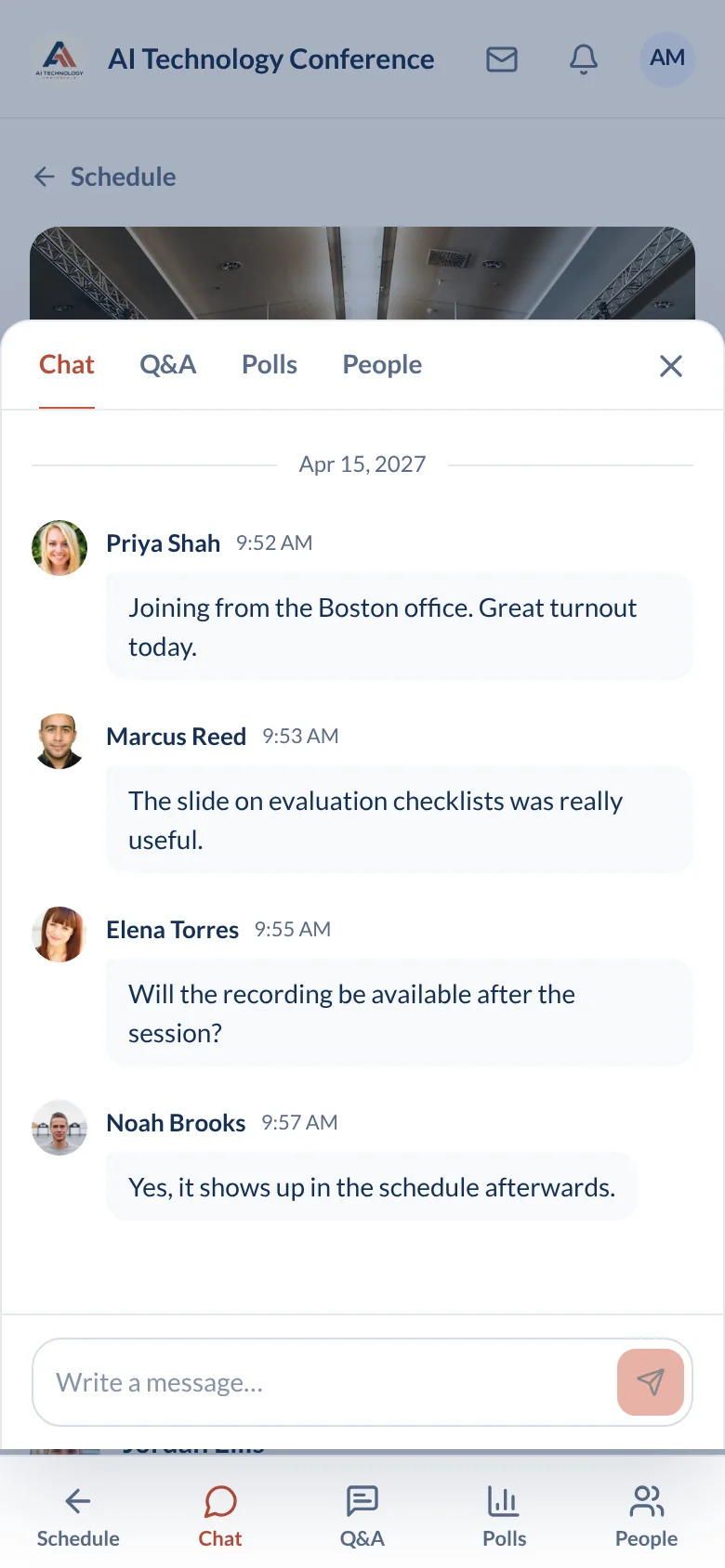
One persistent chat for the whole event, in the main lobby. Messages stay, so someone who joins on day two can read what happened on day one.
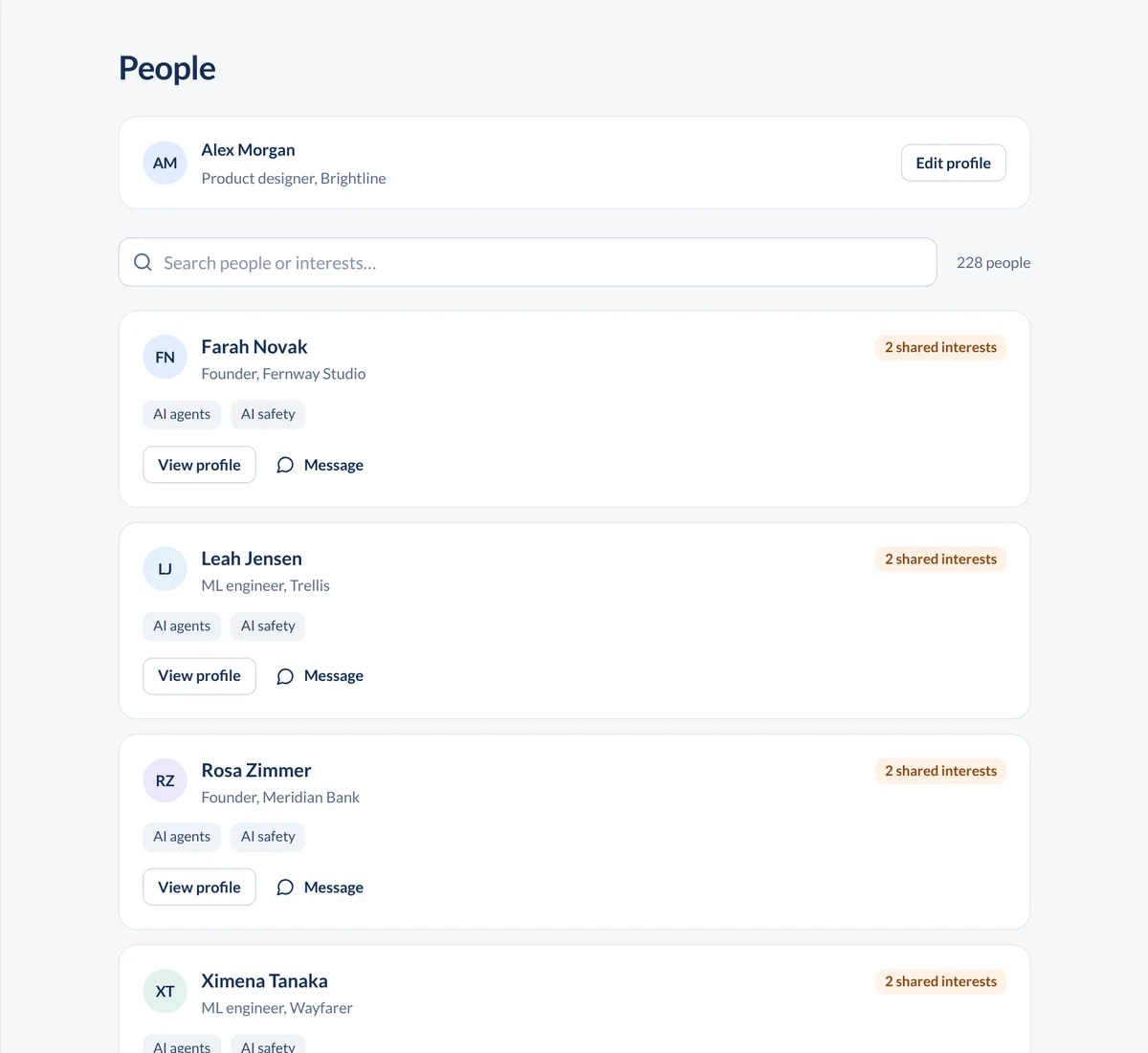
Most people come to an event to meet someone new and leave having talked to the people they already knew. ConferenceTap gives attendees private messages, a community forum, chat in every session, and 1:1 video matching that ends with contact details, if both people agree.
An attendee opens networking from the event and is matched at random with another attendee who is also waiting. A video call starts. It lasts five minutes. When the timer ends, each person decides whether to connect.
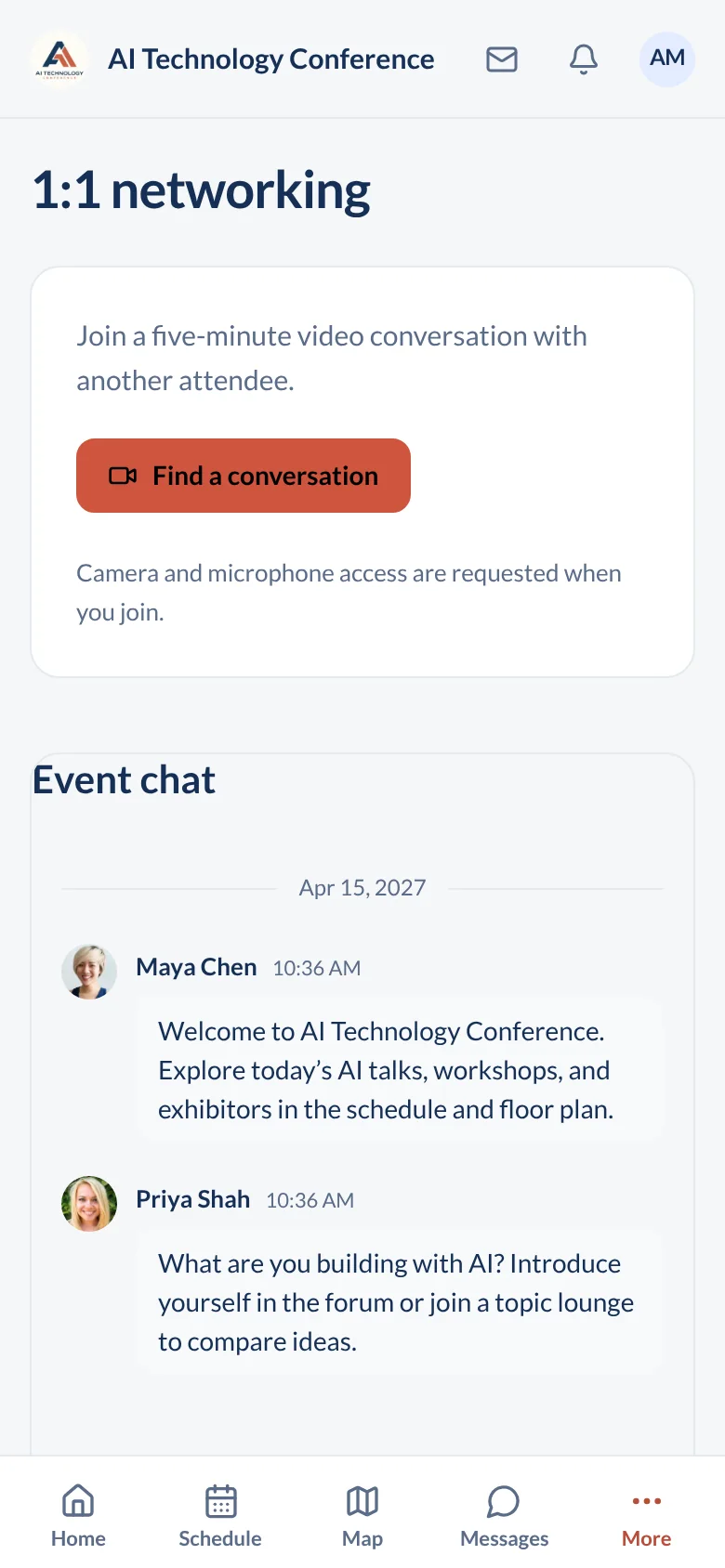
Random matches. Nobody has to work up the nerve to approach a stranger. The app pairs people who opted in, and the next match starts when the current one ends.
Five minutes, then a decision. Long enough to learn what someone does. Short enough that a dud match costs nothing.
Contact details only when both agree. If both people choose to connect, their contact info is shared. If only one does, nothing is shared and nobody is told. That rule is what makes people willing to try it.
Follow up after the event. Attendees can still connect with each other once the event is over, so a Tuesday conversation can become a Friday meeting.
Speed networking is one door. The others are open all event long, on a phone or a laptop, for in-person, virtual, and hybrid formats.
One persistent chat for the whole event, in the main lobby. Messages stay, so someone who joins on day two can read what happened on day one.
Every session has its own persistent chat as well, next to the video and the Q&A. The conversation about a talk stays with that talk.
An attendee finds another attendee in the event and sends a message that only the two of them see. It is also how two people at the same in-person conference find each other in a crowded hall.
For topics that outlast a chat scroll: a question for the whole audience, a thread about a workshop, a request for a dinner group.
Networking runs itself once the event opens. Your job is moderation.
Pin and delete. Moderators can pin a message to the top of the event-wide chat or any session chat, and delete a message that should not be there. Unlimited organizers means your whole team can moderate.
Hybrid audiences in one place. Attendees in the room and attendees at home share the same chat, forum, and direct messages. The remote audience is not a separate, quieter event.
What this is built for. Speed networking is video, so it shines at virtual and hybrid events. At a purely in-person conference, people use the directory, direct messages, and the forum to find each other and set up their own meetings. If your sponsors are asking for wearable badges that log every handshake on a show floor, that is a different product at a different price; see our Bizzabo comparison for the numbers.
They are shared only if both people choose to connect at the end of the five minutes. If one person passes, nothing is shared. Attendees are not exposing their details by joining a round.
No. Both the event-wide chat and each session chat are persistent. Messages remain readable for the rest of the event, which is why moderators have pin and delete controls.
Yes. Moderators can delete any message in the event-wide chat or a session chat. They can also pin one, which is useful for a link the speaker just mentioned or a change of room.
Yes. Attendees can connect with each other after the event to follow up on conversations. Networking does not switch off at the closing session.
Networking is part of the event app on both plans, along with unlimited registrations, white-label branding, and 1:1 onboarding.
View plans and fees