Registration pages and paid tickets, with the fee printed up front
Build an event registration page, sell conference tickets through Stripe, and pay 3% plus Stripe's processing fee on each paid ticket. On a $200 ticket that is $6.00 to us and, at Stripe's published US rate of 2.9% plus $0.30, $6.10 to Stripe. You keep $187.90, and it settles in your own Stripe account. On a refund, our 3% is not returned and Stripe keeps its processing fee. Both plans include unlimited registrations, so there is no per-attendee charge on top.
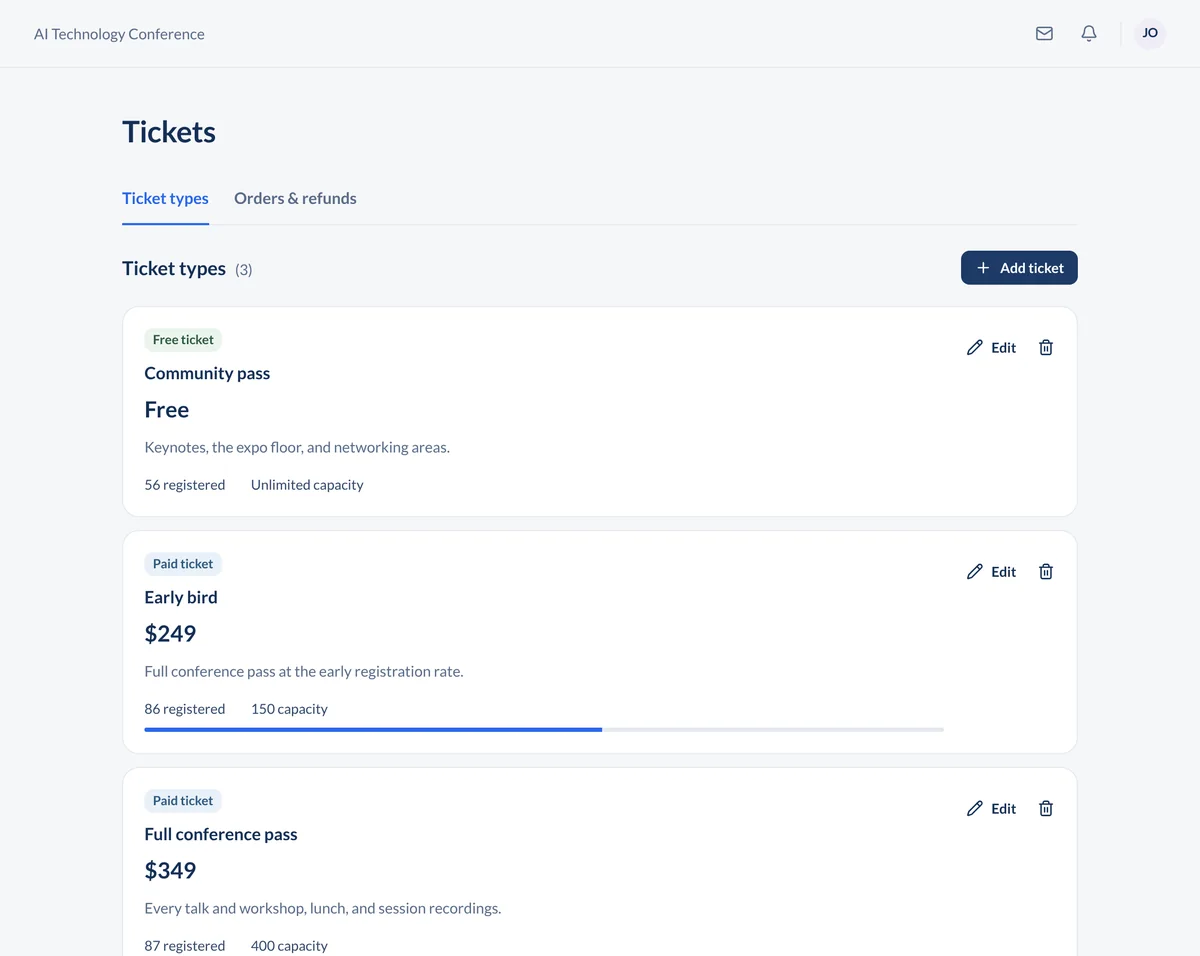
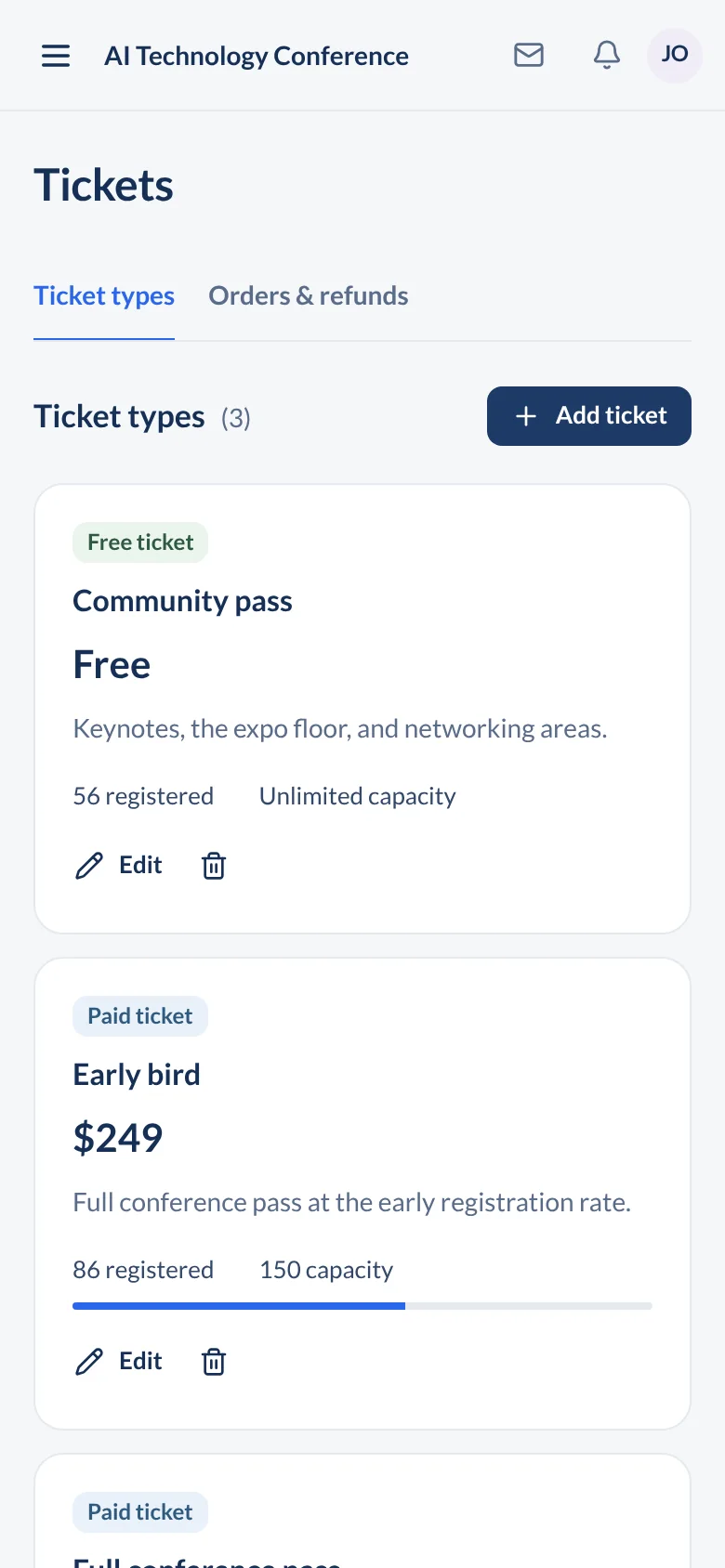
What the attendee sees, from the link to the ticket
The registration page is the first thing most attendees see of your event, so it carries your branding, the schedule, the speakers, and the sponsors, not a generic form.

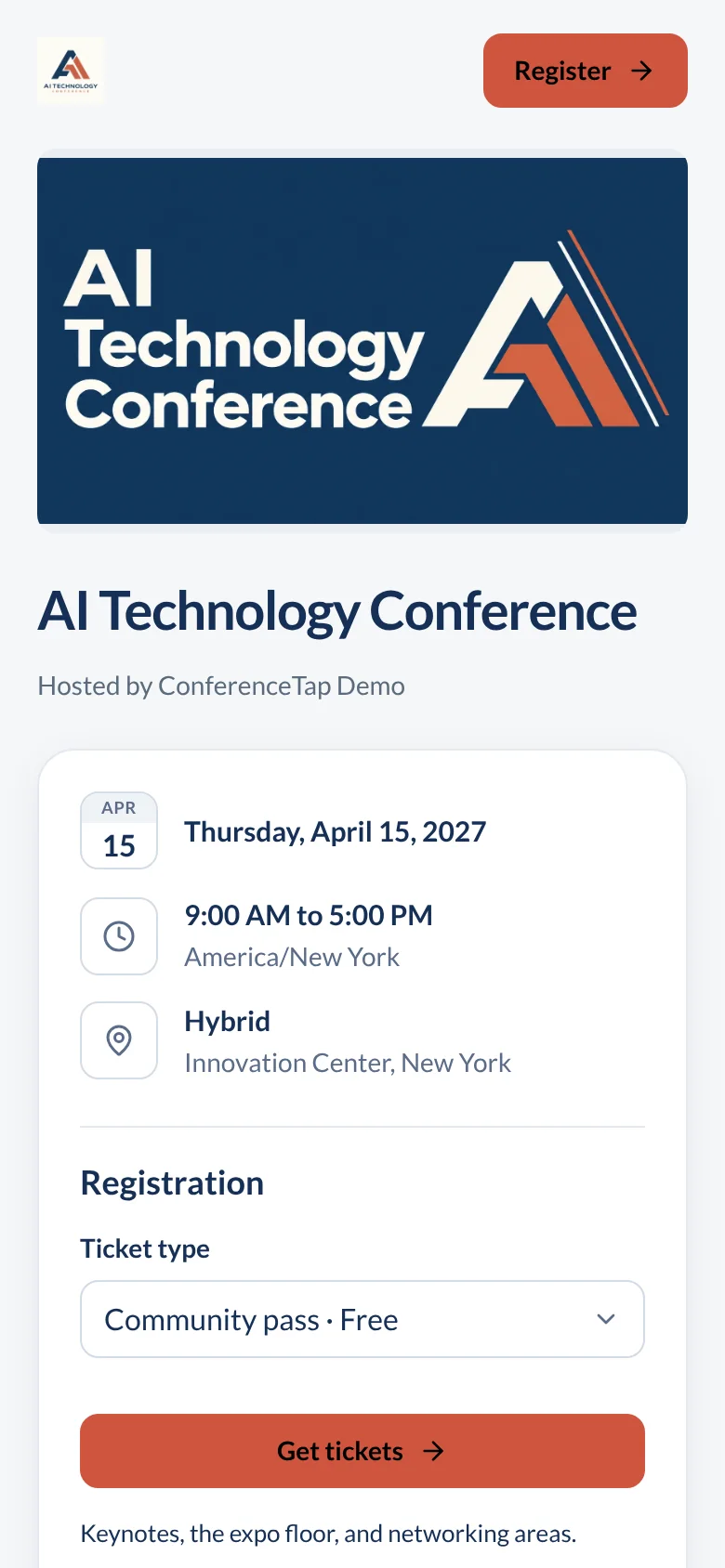
Pick a ticket. Free and paid ticket types sit side by side. An attendee with a promotional code enters it at checkout.
Answer your questions. Custom registration questions collect what you need: dietary needs, job title, which workshop they want. You choose the questions; the attendee sees only those.
Register for more than one person. An attendee can buy for several guests in one checkout, which is how a manager registers a team without four separate orders.
Pay through Stripe. Payments are processed by Stripe, which handles the major credit cards. Card details never touch us.
Get a shareable confirmation. After signing up, each registrant gets a personalized ticket on a confirmation page with built-in shareable links, so they can tell colleagues where they are going.
What you manage in the organizer portal
Tickets live in the same portal as the agenda and the speakers. When the schedule changes, the registration page changes with it, because it is the same event.
Ticket types and codes. Create free and paid tickets, set prices, and issue promotional codes for partners, speakers, or an early group. Edit any of it after launch.
Registrations, without a ceiling. Both plans include unlimited registrations. A 300-person conference and a 3,000-person one are the same plan.
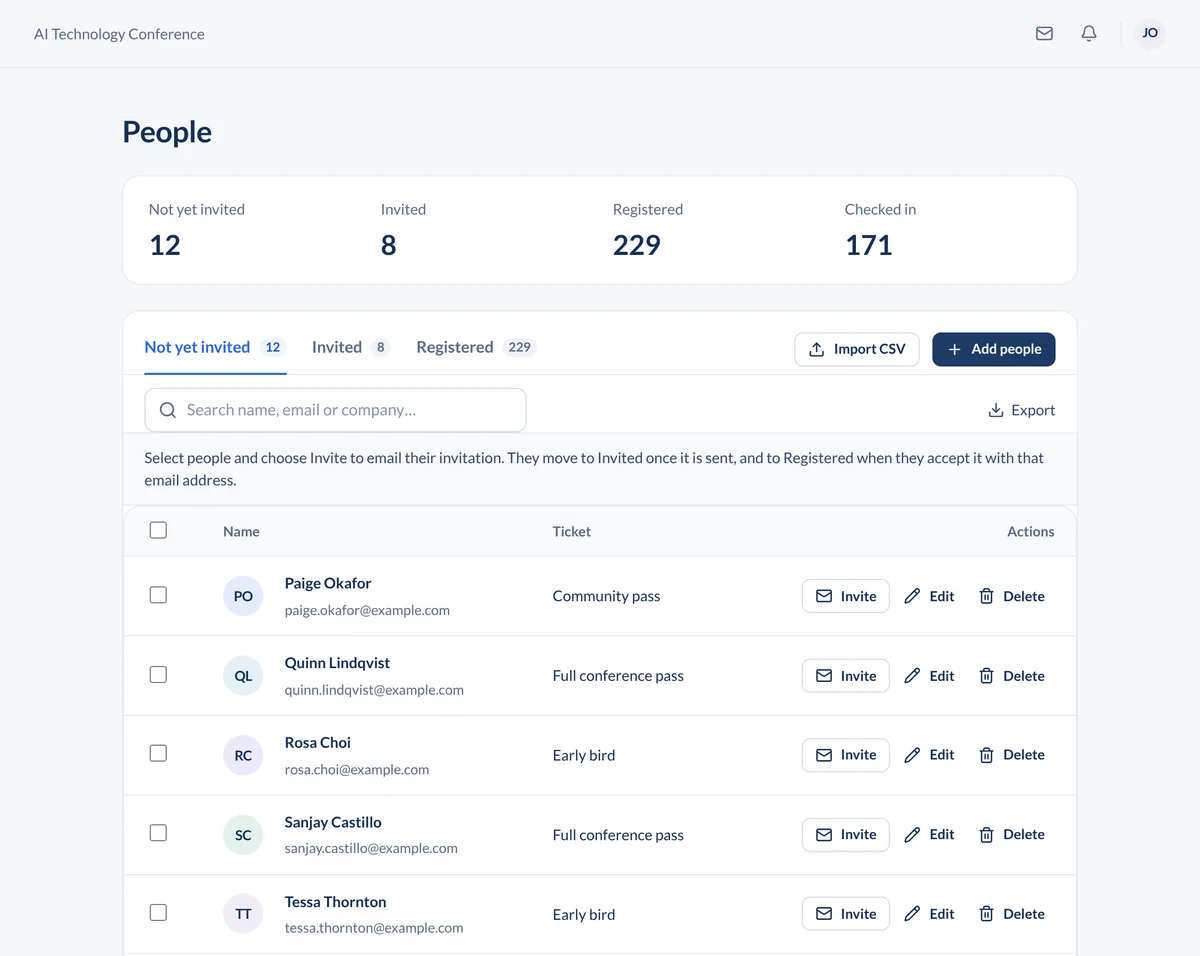
Check-in at the door. Staff open ConferenceTap on their own phone or tablet and scan the QR code on the attendee's ticket. The attendee is marked as arrived. There is no scanner to rent and no printer to babysit.
Your other tools. Pass registration data through Zapier to a spreadsheet, an email platform, or your CRM. Already sold tickets elsewhere? Upload those attendees and use the app for everything after the sale.
What this is built for. Events whose attendees already know about them: conferences, annual meetings, symposia, galas. Eventbrite has a marketplace that sends strangers to consumer events, so if discovery is your main problem the question is Eventbrite plus what, and the answer is the agenda, check-in, and networking on this page.
What is included for registration and tickets
- Registration event website with your branding
- Free and paid ticket types
- Custom registration questions
- Promotional codes
- Payments through Stripe
- Multiple guests in one checkout
- Personalized tickets with shareable confirmation pages
- QR code check-in with a phone or tablet
- Unlimited registrations on both plans
- Zapier for passing registration data to other tools
Questions about selling conference tickets
What does a paid ticket cost us?
3% of the ticket price plus Stripe's processing fee. For comparison, Eventbrite's published US fees on September 17, 2026 are 3.7% plus $1.79 per paid ticket, plus a 2.9% payment processing fee per order. On a $200 ticket, that $1.79 is small; the difference is what else you get for the plan fee.
Can one person register a whole team?
Yes. An attendee can purchase for multiple guests in a single checkout. Each registrant still gets a personalized ticket.
What do we need at the door?
A phone or tablet with ConferenceTap open. Staff scan the QR code on each attendee's ticket. No dedicated check-in hardware is required.
We already sold tickets on another platform. Can we still use the app?
Yes. Upload attendees from your existing registration platform and they get the agenda, sessions, and networking in the app. You can also run free and paid tickets in ConferenceTap from the start.
Both plans are flat-rate and include unlimited registrations.
View plans and fees